NNA Training Workbooks

VW DesignsVectorworks 3DCG Visualization Book

This illustrated book is full of unusual three-dimensional designs, all produced with VectorWorks. It is a compilation of different models by the Japanesedesigner Eiji Shibata, from product and furniture design to architectural and landscape planning models to experimental sculptures.Step-by-step instructions make it clear how easy the construction ofcomplex shapes can be, if you have the right tools. The numerous illustrations encourage you to try it out for yourself. (Translated from Japanese to English.)


Residential Garden Design with Vectorworks Landmark

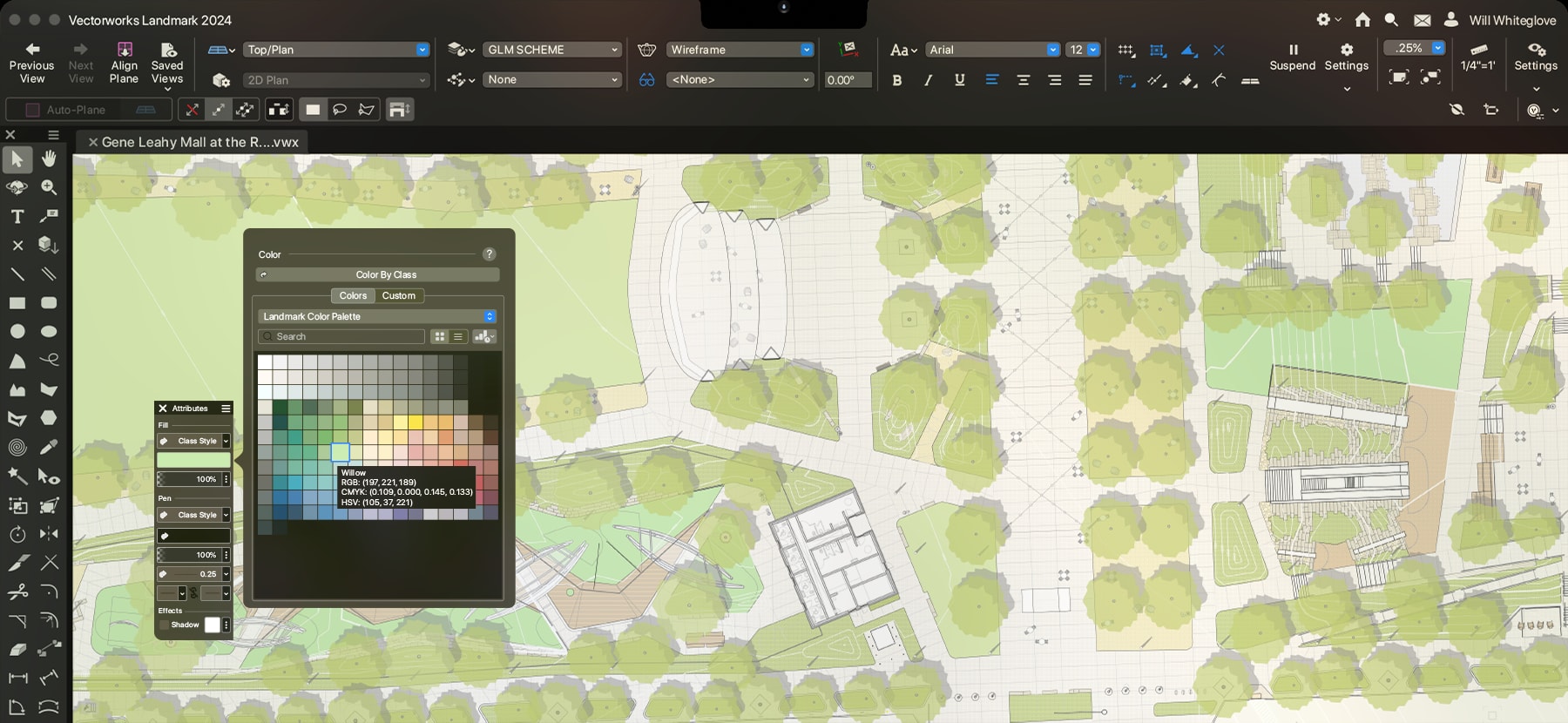
Nemetschek North America is delighted to offer a book which covers the process of residential garden design using Vectorworks Landmark. Residential Garden Design with Vectorworks Landmark was written by Tamsin Slatter, who is billed as the leading expert in Vectorworks Landmark in the UK. This book will take you from the start of the project—drawing or importing site surveys—through managing resources; creating hard landscaping, planting plans, and 3D perspective drawings; to rendering with Renderworks; and more. Focusing on the traditional flow of a project, this book teaches you the tools you need to know in order to complete a 2D plan and 3D visualization simultaneously! Illustrated in full color throughout, this book is the ideal reference to have by your computer following your initial product training.

Read the Table of Contents pdf file
Read Sample Chapter pdf file

Vectorworks Architect Tutorial Manual

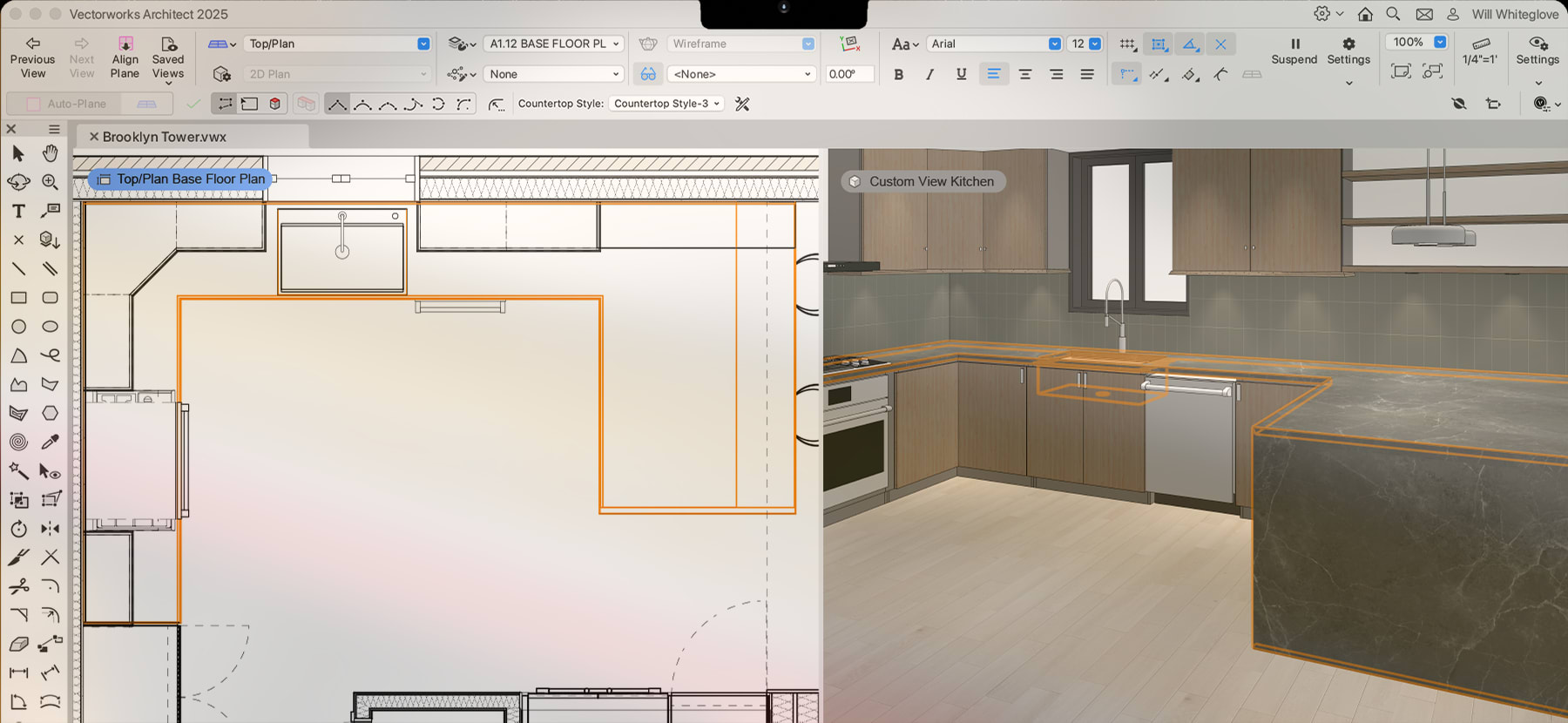
The Vectorworks Architect Tutorial Manual, by Jonathan Pickup, is a thorough “project-based” training workbook. The manual walks you through a domestic project. The clients live in a 1970’s three-bedroom, timber-frame house on a concrete block basement with a garage. The house faces north on a gently sloping 1/4-acre section. The kitchen, dining, and living areas have not been updated since the house was built, and they are not big enough for this family. The clients have asked for a renovation and extension to allow for more open living areas. They want the house modernized and enlarged, with a new entry, a new living area to the north, a new bedroom, dressing room, and adjoining bathroom. The manual will take you through the process of documenting the existing site and building, preparing and presenting proposed renovations, and finally, creating the working drawings.

Recommendations and Tips:
  • This tutorial is most effective if used in conjunction with Vectorworks Architect 2009.
  • This manual builds on the Essentials Tutorial Manual, which takes you through the basic concepts of Vectorworks, such as 2D drafting, simple 3D modeling, and file organization. If you are unfamiliar with these concepts, begin with the Essentials 
  • Measurements for the exercises are shown in both metric and imperial.
  • This hard-copy workbook comes with a companion CD that contains exercise files, and the entire manual in PDF.
  • View the PDF using Adobe Acrobat Reader 8 or higher.
  • The PDF contains embedded tutorial movies that demonstrate the steps of each exercise.
Read Sample pdf file

Vectorworks Essentials Tutorial Manual

The Vectorworks Essentials Tutorial manual, by Jonathan Pickup, is a must-have workbook for anyone new to Vectorworks. The aim of this manual is to eliminate the mystery of computer-aided design and to give to you an understanding of how to use Vectorworks. The manual will bring you to a competent beginner level; it’s designed to build a foundation of essential Vectorworks knowledge. Simple 2D drafting, 3D modeling, and file organization concepts are covered, and notes provide additional help.

Recommendations and Tips:
  • This tutorial can be used with any Vectorworks 2009 product.Measurements for the exercises are shown in both metric and imperial.
  • This hard-copy workbook comes with a companion CD that contains exercise files, and the entire manual in PDF.
  • View the PDF using Adobe® Acrobat Reader 8 or higher.
  • The PDF contains embedded tutorial movies that demonstrate the steps of each exercise.
Read Sample pdf file

Vectorworks Landmark Tutorial Manual

The Vectorworks Landmark Tutorial Manual is written by experienced Vectorworks user and author, Jonathan Pickup. The workbook is comprised of a series of projects to teach you basic Vectorworks Landmark concepts and techniques.
  • The first project works through a quick domestic project where we have a sketch plan, and we want to add some plants and hard landscaping to the plan.
  • The second project is similar to the first project, but we start with a blank file and work right though the design process—from importing the scanned image to putting the title block on the drawing.
  • The third project is a small commercial project that needs planting quickly added to the developer’s site plan.
  • The final project is a full domestic project for a client, the Smith Family, in which we plan a garden that includes planting, irrigation, hardscaping, and an outdoor structure. This project is in both 2D and 3D.
Recommendations & Tips:
  • This tutorial is most effective if used in conjunction with Vectorworks Landmark 2009.
  • This manual builds on the Essentials Tutorial Manual, which takes you through the basic concepts of Vectorworks, such as 2D drafting, simple 3D modeling, and file organization. If you are unfamiliar with these concepts, begin with the Essentials manual.
  • Measurements for the exercises are shown in both metric and imperial.
  • This hard-copy workbook comes with a companion CD that contains exercise files, and the entire manual in PDF.
  • View the PDF using Adobe Acrobat Reader 8 or higher.
  • The PDF contains embedded tutorial movies that demonstrate the steps of each exercise.
Read Sample pdf file